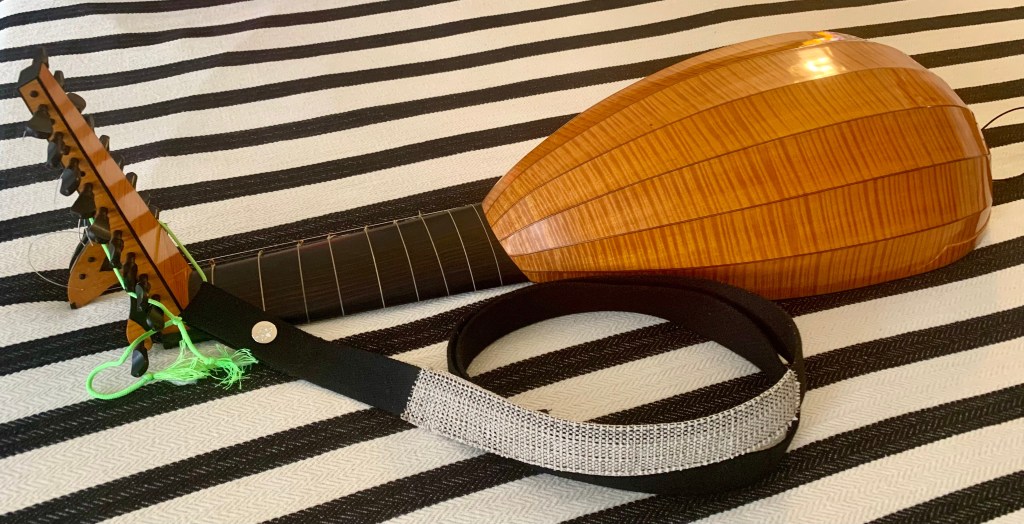
I’ve discovered an informative and motivating video by Clive Titmuss on writing lute tablature. I have always been writing lute tab, but was not using the right materials – mainly, a pen with a 1.1mm “stub” nib. For this, I recommend the Twisby Eco pen, as used by Mr. Titmuss.

After experimentation, I’ve found that rotating the pen around to write on the top side of the nib is the best for me to fit my letters into the staves on the sheet I designed.
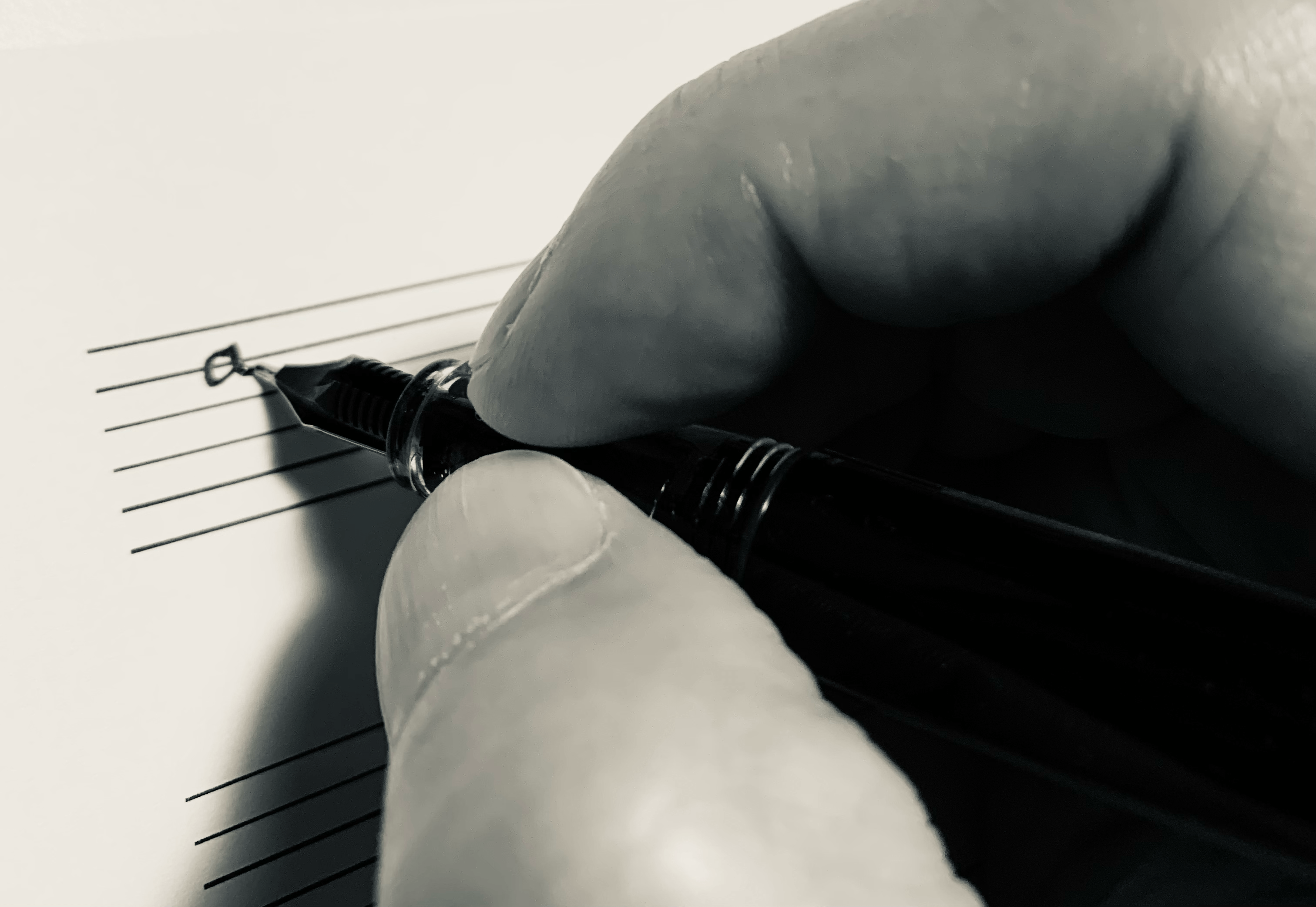
I’ve created a blank sheet for writing lute tab in MuseScore. It is designed with a staff spacing that gives me enough room to write tab in with the Twisby pen without being to wide. You can download the PDF from the following viewer or access the MuseScore file (MuseScore membership required).
My process:
Write out a handwritten copy of the manuscript, then photograph it with the iPhone. (Here is a link to the original manuscript I copied.) Apply the Mono filter using the phone’s editing features, then Airdrop the photo to the Macbook and convert the HEIC file to PNG. Open the file in GIMP and use Colors, Threshold to turn the image into a stark, high-contrast black-and-white graphic. Finally, export the file as a PDF using File, Export.
My attempt at copying La Champré, Courante and Double.
You must be logged in to post a comment.